Carrying Digital Proof of Your Fishing License on Your Phone
There's nothing quite as frustrating as getting out to your favorite Illinois fishing spot, all geared up and ready to cast, only to realize you left your physical fishing license tucked away on the kitchen counter or buried deep in another wallet. It’s a moment of pure panic for any angler. Thankfully, the Illinois Department of Natural Resources (IDNR) understands these modern-day woes, and they've made it easier than ever to carry your necessary proof of license right on your smartphone, saving you from a potential fine and a wasted trip. This guide will walk you through exactly how to confidently carry and display your digital fishing license in Illinois.
The Convenience of Digital Licenses
The world has gone digital, and Illinois fishing regulations have largely kept pace. Gone are the days when a flimsy paper license was your only option, destined to get soaked, torn, or simply forgotten. The ability to carry your fishing license on your phone is a game-changer for convenience and peace of mind.
Illinois' Stance on Digital Proof
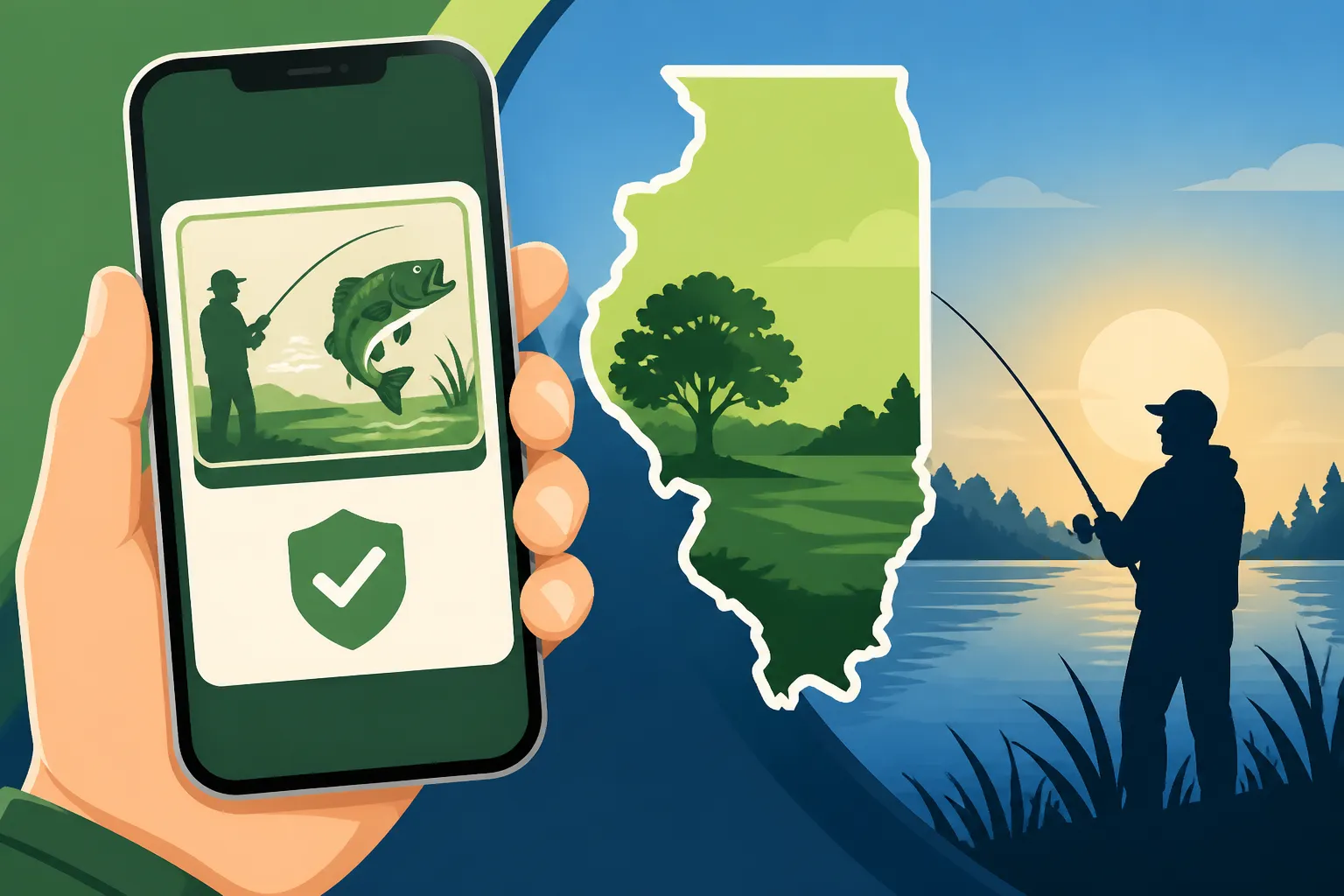
Good news, fellow anglers! The Illinois Department of Natural Resources (IDNR) explicitly permits the display of your fishing license, as well as any required stamps, on a smartphone or other electronic device. This is a massive relief, especially for those of us who juggle multiple responsibilities and sometimes forget the small, crucial items. Think about it: how often do you leave your phone at home compared to your wallet or a specific piece of fishing gear? For most of us, our phone is practically an extension of our hand.
The core idea here is accessibility and proof. As long as a Conservation Police Officer (CPO) can clearly view all the necessary information on your device, you're good to go. This policy acknowledges the reality of modern life and significantly reduces the chances of receiving a citation for not having your license physically present. It means no more frantic searches through pockets or the bottom of your tackle box when a CPO approaches. You can simply pull out your phone and display your valid license. It’s truly a breath of fresh air for anglers who prefer to travel light and keep things simple. For a complete understanding of all state requirements, you might want to review the official Illinois Fishing License Guide for 2026.
What Constitutes Valid Digital Proof
So, what exactly does "valid digital proof" entail? It's not just any old picture of your license. When you purchase your fishing license online through the official IDNR website, you'll typically receive an email confirmation that includes a link to download a PDF version of your license. This PDF is your golden ticket. It contains all the crucial information: your name, address, license number, type of license, expiration date, and any stamps you've purchased, such as an Illinois Trout and Salmon Stamp Requirements.
When presenting this to a CPO, the key is clarity and readability. You should be able to quickly navigate to the PDF or a clear screenshot of it on your phone. Make sure your screen is clean, the brightness is turned up, and the entire license is visible without having to scroll or zoom extensively. A blurry photo taken from a distance, or a screenshot of an expired license, simply won't cut it. The officer needs to verify all the details to ensure you are legally permitted to fish. It's also vital to ensure the date on your license is current. If you’re unsure about what other regulations apply, consult the Illinois Fishing Information Guide Covers April 2026 Through March 2027.
Practical Considerations for Digital Proof
While the digital license offers immense convenience, it also introduces a few new considerations you wouldn't typically worry about with a laminated card. Being prepared for these scenarios will ensure your fishing trip goes smoothly.
Keeping Your Digital License Accessible
Having your license on your phone is great, but it's only useful if you can actually access it when needed. The biggest hurdles? Battery life and phone damage. There's nothing worse than your phone dying right when a CPO asks to see your license. Always, and I mean always, make sure your phone is fully charged before you head out. For longer trips, especially if you're using navigation apps or taking photos of your catches, a portable power bank is an absolute lifesaver. You can find robust, waterproof power banks on platforms like Amazon that can keep your device juiced up for days.
Beyond battery life, consider the elements. Fishing involves water, mud, and sometimes accidental drops. A good waterproof phone case or a waterproof pouch is a smart investment. Many anglers attach these pouches to a lanyard around their neck or to their vest, keeping their phone safe and easily accessible. To make accessing your license even quicker, consider adding the PDF to your phone's digital wallet (if your phone supports it) or creating a shortcut to the file on your home screen. This way, it's just a tap or two away, rather than digging through your email or files.
Handling Spot Checks by Conservation Officers
Encountering a Conservation Police Officer is a routine part of fishing, and they're usually just doing their job to ensure everyone is following the rules. When a CPO approaches and asks to see your license, the most important thing is to be polite, cooperative, and efficient. They don't want to spend all day watching you fumble through your phone.
As soon as they make the request, stop what you’re doing, put your rod down, and pull out your phone. Navigate directly to your digital license. Remember, the goal is to make their job as easy as possible. Present your phone clearly so they can read all the details without glare or obstruction. They might ask to hold your phone for a moment to verify details, and it’s generally best to allow them to do so, as long as it's within reason. They are verifying compliance, not looking through your personal photos.
It's a good idea to practice accessing your license quickly before you're on the water. Imagine doing it with wet hands or in bright sunlight. The more prepared you are, the smoother the interaction will be. You can learn more about these interactions in articles like Can Game Wardens Check Your Fishing License on the Water?. Being unable to present a valid license, digital or otherwise, can lead to serious consequences, as detailed in Penalties for Fishing Without a License in Illinois.
Potential Pitfalls and Best Practices
While digital licenses offer many advantages, they aren't entirely without their unique challenges. Being aware of these and having contingency plans can save you a lot of hassle.
Common Issues and How to Avoid Them
The most common issues revolve around technology itself. Your phone's battery dying is probably the number one culprit. As mentioned, a portable power bank is your best friend here. Consider keeping one fully charged in your tackle box or fishing bag at all times. If you're driving to multiple spots, use your car charger to top off your phone between locations.
Another frustrating scenario is screen glare, especially on a bright, sunny day. When a CPO needs to verify your license, try to orient your phone away from direct sunlight or use your hand or hat to shade the screen. Increasing your screen brightness to maximum can also help significantly. Sometimes, apps can crash, or files might not open correctly due to a temporary glitch. While rare, having a backup plan is crucial. This leads us to the next point.
Backup Strategies for Peace of Mind
Even with the convenience of a digital license, a little redundancy goes a long way. My personal recommendation for ultimate peace of mind? Carry a physical backup. Print a copy of your license PDF and keep it laminated (or at least in a Ziploc bag) in your tackle box or the glove compartment of your car. This way, if your phone takes an unexpected swim or simply gives up the ghost, you still have proof of your license.
Another smart move is to email the PDF to yourself and keep it stored in a cloud service like Google Drive or Dropbox. This ensures you can access it from another device if yours fails, or even print it out at a local library or sporting goods store if you're in a pinch. You can also send a clear screenshot of your license to a trusted fishing buddy who might be with you, just in case. The idea is to have multiple points of access so that one technical hiccup doesn't derail your entire trip.
Beyond Just the License: Other Digital Documents
It’s not just your basic fishing license that can go digital. Many other official documents can be carried on your phone, further streamlining your outdoor adventures. For instance, if you’re fishing for trout in a stocked stream or salmon in Lake Michigan, you'll need the appropriate stamps. These, too, are usually issued in a digital format as part of your overall license purchase. You can simply display them alongside your main license.
If you operate a motorized boat, you might also be required to have an Illinois Boater Education Card, especially if you were born after January 1, 1998, and are operating a motor of 10 horsepower or more. While physical cards are issued, many online boater safety courses provide a printable certificate or digital proof that can also be stored on your phone. Always check the specific requirements for all documents you need. For more on boat safety, check out Illinois Boater Education Card Requirements. Being prepared with all necessary documentation, whether for fishing or boating, can make your time on the water much more enjoyable and worry-free, and you can generally find all the up-to-date information in the comprehensive Illinois Fishing Regulations Overview.
Here's a quick comparison of physical versus digital licenses:
| Feature | Physical License | Digital License (on phone) |
|---|---|---|
| Convenience | Requires carrying a separate card | Always with you if you have your phone |
| Durability | Can get lost, torn, or wet | Susceptible to phone damage, battery drain, glare |
| Accessibility | Easy to present if in wallet | Quick access if stored well, but depends on phone function |
| Backup Options | Not easily backed up if lost | Multiple digital backups (email, cloud, screenshot) |
| Cost | Same as digital (e.g., Illinois Resident Annual Fishing License Cost) | Same as physical |
| Proof of Validity | Clear and direct | Clear, but requires a functional device and good display |
Acquiring and Managing Your Digital License
Now that you're convinced of the benefits and prepared for the practicalities, let's talk about how to actually get and keep your digital license up to date.
How to Get Your License in Digital Format
The process is refreshingly straightforward. The vast majority of anglers in Illinois purchase their fishing licenses online directly through the official Illinois Department of Natural Resources (IDNR) website. This is by far the easiest and most convenient method.
When you complete your purchase, you'll typically receive an immediate email confirmation. This email isn't just a receipt; it often contains a link to download the official PDF version of your new fishing license. It's crucial to save this PDF somewhere easily accessible on your phone – perhaps in a dedicated "Fishing" folder, your phone's "Files" app, or even in a note-taking app that supports attachments. You can also take a clear, high-resolution screenshot of the entire license display and save it to your photos. The key is to have it ready to pull up at a moment's notice. For a detailed walkthrough of the purchasing process, refer to How to Buy an Illinois Fishing License Online.
Renewing and Updating Your Digital License
Remember, fishing licenses in Illinois are typically annual, expiring on a specific date (often March 31st of the following year, regardless of when you bought it). This means you'll need to renew your license regularly. The good news is that renewing your digital license is just as easy as buying a new one.
When it's time to renew, head back to the IDNR website. Many states, including Illinois, make it simple to renew your existing license, often pre-filling your information. Once you've completed the renewal, you'll again receive an updated PDF via email. Don't just save the new one and forget the old; make sure you replace any outdated digital copies on your phone with the new, valid one. You don't want to accidentally show an expired license to a CPO! Regularly purging old licenses from your phone's accessible files helps prevent confusion. Always ensure the expiration date on your displayed license is current. Details on the renewal process can be found in Renewing an Illinois Fishing License Online.
Disclaimer
Please remember that while this guide provides comprehensive information, fishing regulations can change. It is always the angler's responsibility to check the most current Illinois Department of Natural Resources (IDNR) regulations before heading out. This content is for informational purposes only and should not be considered legal advice.